Install AzureStack Development Kit in Hyper-V
First follow the log and it is almost cover everything.
https://www.hyper-v-server.de/azure-stack/installing-the-azure-stack-development-kit-in-a-hyper-v-nested-vm/
It require D: drive while prepare the lab. At some point it will failed due to cannot access D drive.

Wait until it Finish


Test-Azurestack
Azurestack\cloudadmin
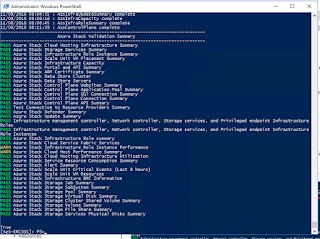
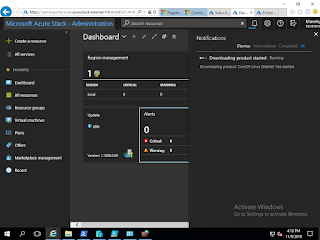


First follow the log and it is almost cover everything.
https://www.hyper-v-server.de/azure-stack/installing-the-azure-stack-development-kit-in-a-hyper-v-nested-vm/
It require D: drive while prepare the lab. At some point it will failed due to cannot access D drive.

Wait until it Finish

Verify about 13 VMs in Hyper-V

After install complete follow the post install steps.
1. following step to registration
Azurestack\cloudadmin

Download Image

Create plan

Create offer

Change the plan to public

Get subscription to your account
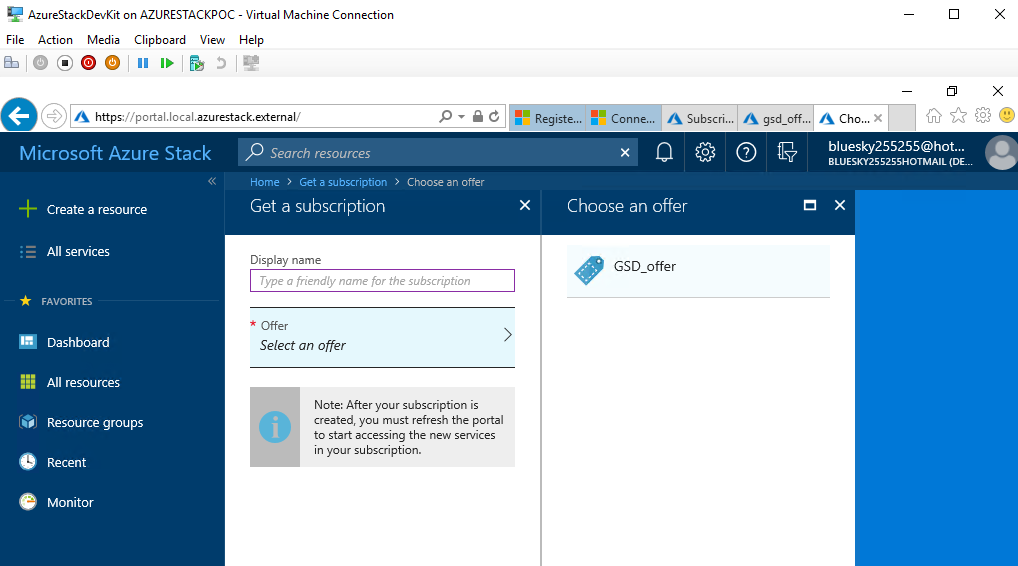
Finally, Create or upload VMs.


Comments